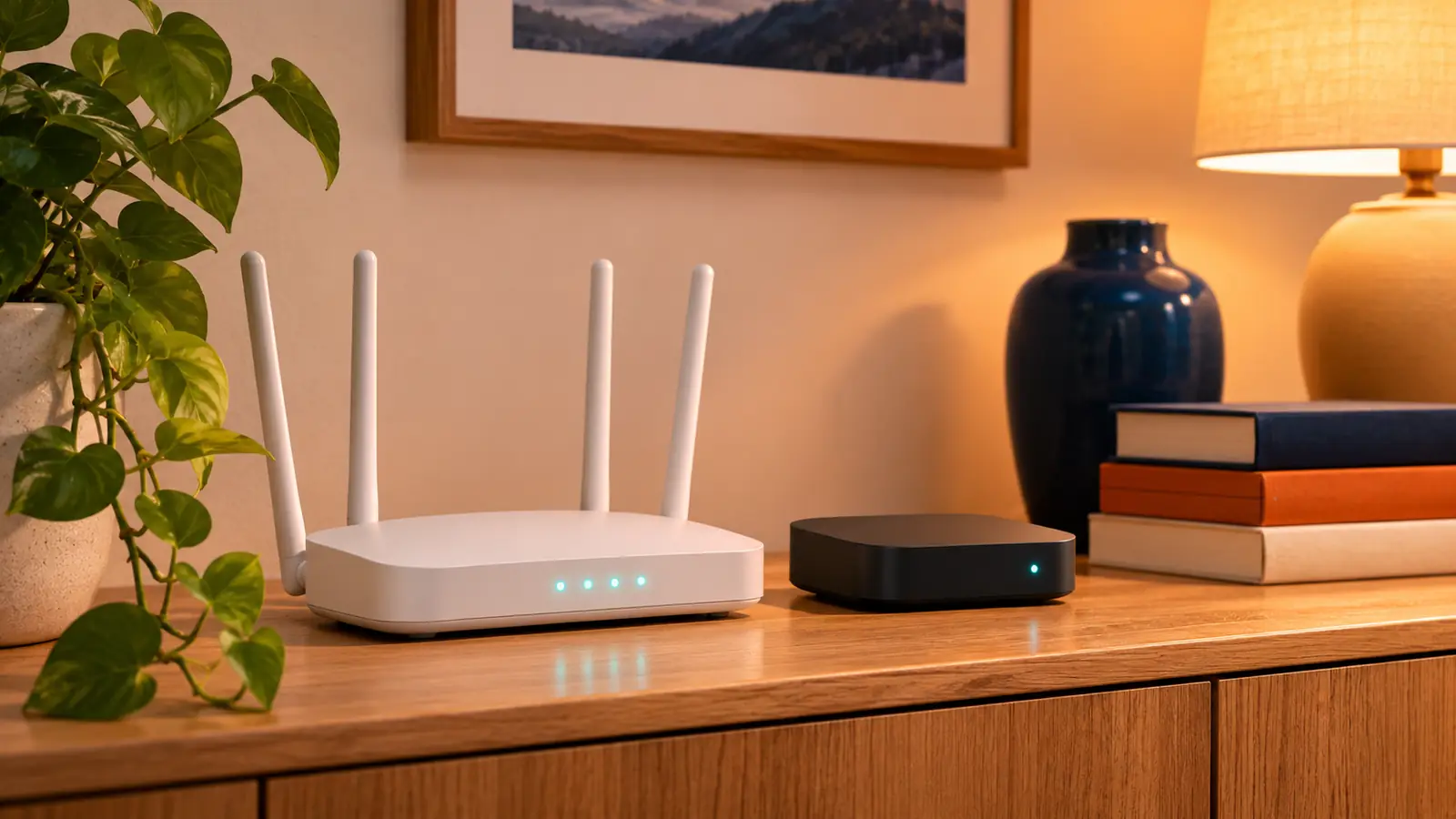
As a rough guide, plan for about 5 Mbps for SD, 10–15 Mbps for HD and 25 Mbps or more for 4K, per screen streaming at the same time, measured on the device itself. Stable Wi-Fi matters as much as the number your internet plan advertises.
Speed per screen adds up
Two HD streams at once need roughly twice the bandwidth of one. Add video calls, game downloads and other streaming in the house, and leave some headroom.
Measure where you watch
A speed test on your phone next to the router says little about the Firestick behind the TV. Run the test on, or right next to, the streaming device. Fire TV and Android TV have free speed-test apps in their stores.
Five quick fixes for buffering
- Use 5 GHz Wi-Fi rather than 2.4 GHz when the router is in the same room or the next one.
- Use a wired Ethernet connection where you can, even through an adapter.
- Restart the router and the streaming device.
- Pause big downloads while watching live TV.
- Move the router somewhere open, away from metal and microwaves.
Still buffering on a fast connection? See our buffering checklist, then message us with the channel and the time it happened.
Written by the soplayer.digital team. We're an independent IPTV service, not the SOPlayer app developer. About us.